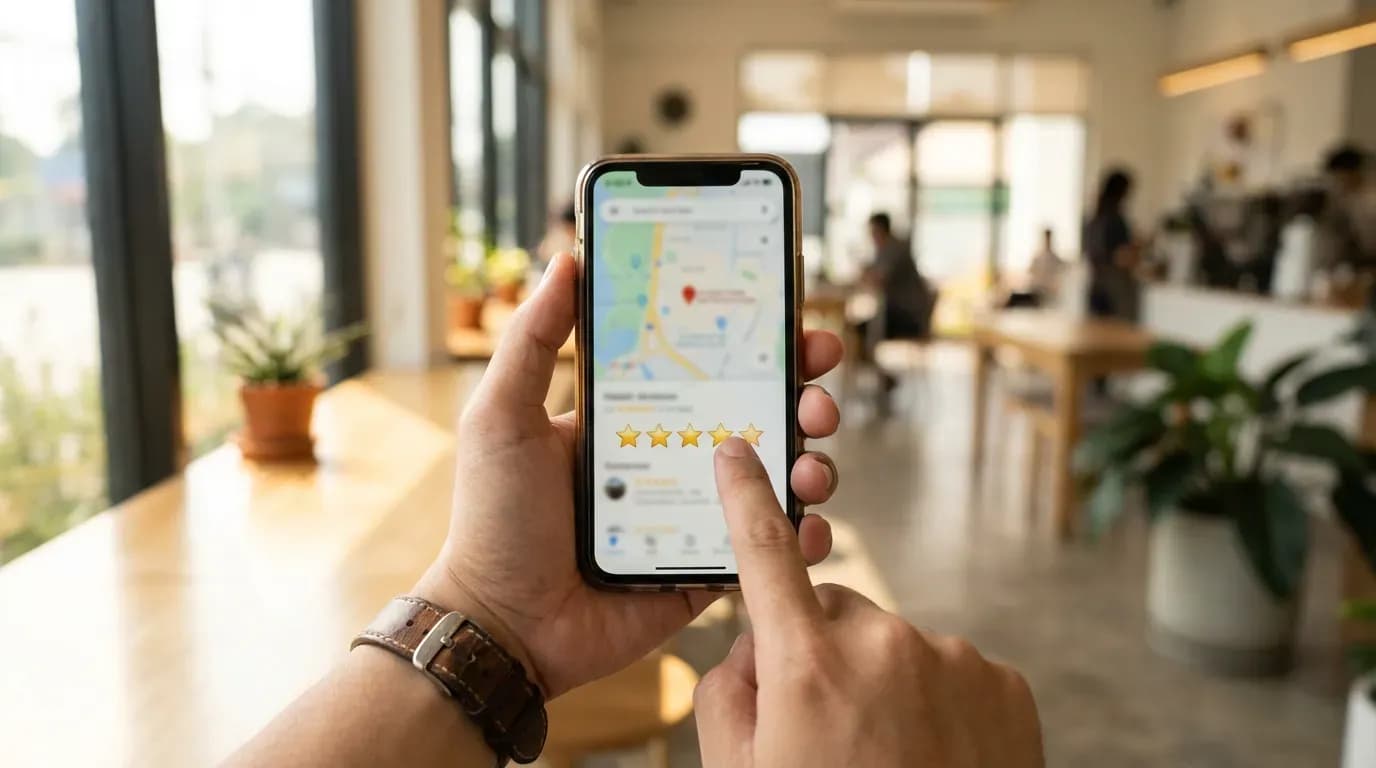
You want to help a business you like. Or you want to warn the next person before they waste money. Either way, a Google review is one of the loudest, fastest ways to speak up. It can feel weird how much weight one short review can carry. That part is impressive and a little unsettling. Still, if you are going to leave a review on Google, you might as well do it right.
This guide shows you how to leave a Google review for a business on desktop, on your phone, and inside Google Maps. You will also get tips for writing reviews that help real people, not vague fluff that reads like it came from a template. If you have ever asked, “how do I leave a review on Google,” you are in the right place.
Before you leave a review on Google
Google reviews work better when you do a tiny bit of prep. I know, nobody wants homework before typing five sentences. But two minutes now can save you from posting the review to the wrong place, forgetting a detail, or writing something you regret once the emotions cool off.
Start with the basics. Make sure you are signed into the Google account you want attached to the review. Google shows your name and profile photo. If that makes you uncomfortable, change your profile settings before you post. You can also check your “Contributions” in Google Maps later and edit or delete what you wrote.
Next, confirm you have the right business listing. Chains can have multiple locations with similar names, and service-area businesses can look confusing in search results. If you leave a Google review on the wrong profile, your feedback helps nobody and annoys the business that did nothing to you.
One more thing. If you had a serious problem, take a breath before you write. I am not saying you should soften your review. I am saying you should write it like you want a stranger to trust you. Angry reviews can be fair, but they become useless when they turn into a rant with no details.
How to leave a Google review on desktop

If you are on a laptop or desktop computer, you can leave a Google review straight from Google Search. This is the path most people take because it is quick and you do not need to open anything else.
Step one is simple. Open Google and search the business name. Add the city if the name is common. When you see the business profile panel, look for the section that shows the star rating and the number of reviews.
Click the button that says “Write a review.” Google may prompt you to sign in. After that, you will see a star rating selector and a text box. Choose your star rating first. Then write your review. Add photos if you have them, since photos tend to make reviews feel more believable and less like drive-by opinions.
When you are done, hit “Post.” Google may run a quick check. If your review does not show up right away, do not panic. Sometimes it appears after a short delay, and sometimes Google filters it if the system flags it for policy reasons or spam signals.
If you want to double-check that you posted it, open Google Maps, click your profile icon, then go to “Your contributions” and look under “Reviews.” That view makes it obvious where your review landed.
How to leave a Google review on iPhone and Android
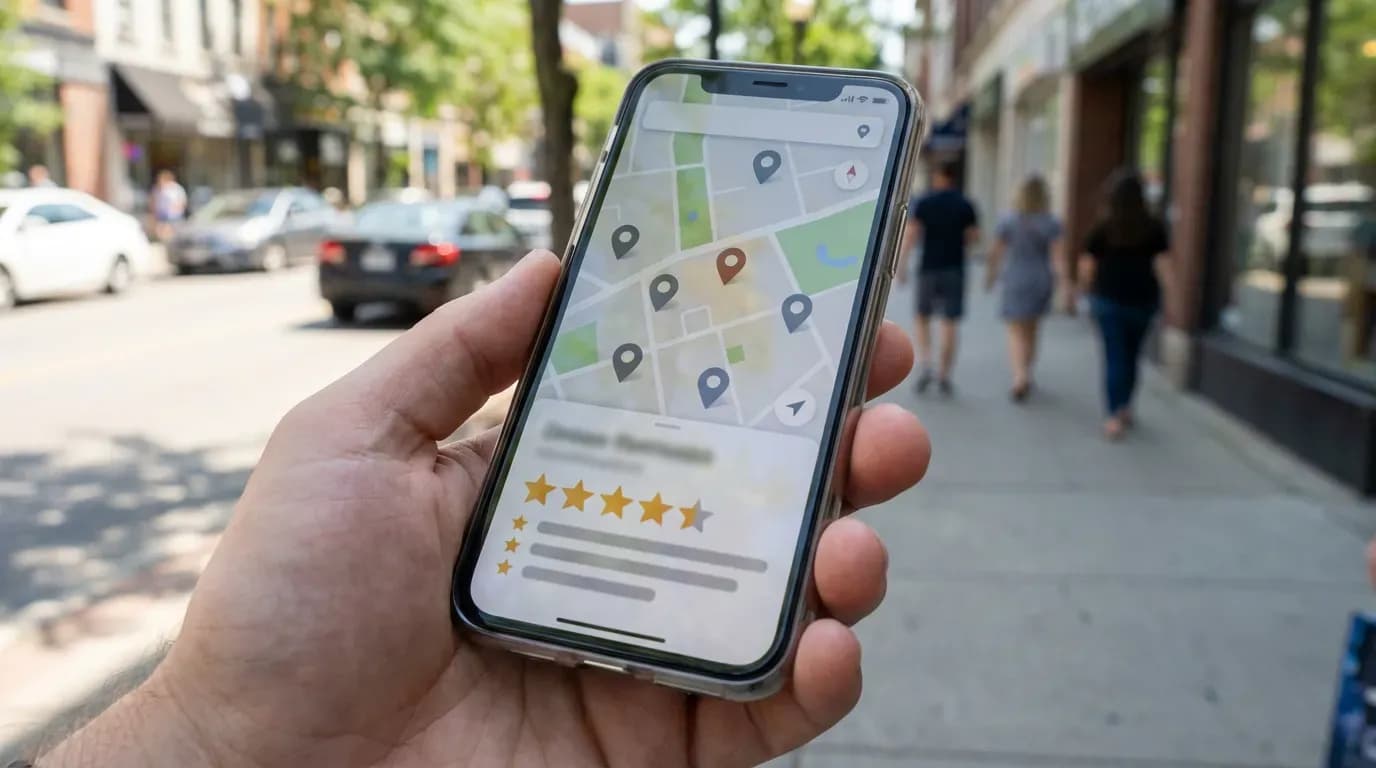
On mobile, you have two easy routes. You can leave a review through the Google Maps app, or you can do it from Google Search in your browser. I prefer Google Maps because it keeps your review history in one place and makes it harder to post to the wrong location.
Open Google Maps and search for the business. Tap the listing to open the business profile. Scroll until you see the reviews section. Tap the option to write a review. Pick your star rating, then type your feedback. Keep it concrete. Mention what you bought, when you visited, and what happened. That is what people scan for when they decide whether to trust you.
To add photos on mobile, tap the camera icon or “Add photos.” Choose images that show what you are talking about. A photo of the receipt is not helpful for most readers. A photo of the finished work, the meal, the room, or the product is.
Post your review. Then give it a minute. If you refresh the business profile and do not see it, check your contributions. If it is there, you posted successfully. If it is missing, the app may have glitched, or Google may have blocked it from publishing.
How to leave a Google review in Google Maps
Google Maps is the cleanest place to manage reviews because it treats reviews like part of your map activity. If you want a repeatable method you can use every time, this is it.
Open Google Maps on desktop or mobile. Search for the business. Open the profile. Find the “Reviews” tab or the reviews section. Then select “Write a review.” That is the whole flow. The part that trips people up is not the button. It is finding the right profile when the business name is shared by multiple locations.
If you are dealing with a chain, check the address and the map pin before you post. If you are reviewing a service-area business that comes to your home, the listing might not show a storefront address. In that case, match the business name and service category carefully, and look at photos to confirm you have the right one.
After you post, you can edit the review at any time. Go to Google Maps, open your profile menu, then “Your contributions,” then “Reviews.” Tap the three dots next to the review and choose edit or delete. I like that Google gives you that control. People change their minds, businesses change staff, and sometimes a mess gets resolved.
What to write in a helpful Google review

Most reviews fail for one reason. They say nothing. “Great service” or “Terrible place” does not tell me what you experienced. It tells me you had feelings. Feelings matter, but details make the review useful.
Start with context. What did you buy or what service did you get. If it matters, mention timing. A lunch rush at a cafe feels different than a quiet weekday morning. Then describe what went well or what went wrong in plain language. Skip the dramatic stuff. It makes your review feel less trustworthy, even when your complaint is fair.
Then add one sentence that helps the next customer. Think about what you wish you knew before you showed up. Parking, wait times, pricing clarity, how the staff handled a mistake, whether the work held up after a few weeks. Those details separate a review that helps people from a review that exists to vent.
If you had a bad experience, keep it tight. State what happened, what you expected, and how the business responded when you raised the issue. I trust a negative review more when it shows the reviewer tried to solve the problem and the business still dropped the ball.
Examples of Google reviews that people trust
Some formats work because they sound like a person, not a billboard. You do not need to copy these word-for-word, but you can steal the structure.
Situation | Example review text |
|---|---|
Quick positive review | “Came in for a tire repair and they had me back on the road in under an hour. They explained the options without pushing an upsell. Price matched the quote.” |
Positive review with a photo | “Ordered the chicken bowl and it looked like the menu photo, which is rare. Portions felt fair for the price. Added a photo so you can see what you get.” |
Negative review that stays useful | “Appointment started 35 minutes late and nobody updated me. The haircut itself was fine, but the front desk acted annoyed when I asked about the delay. If you go, build extra time into your schedule.” |
Mixed review with a clear takeaway | “Work quality was strong and the crew cleaned up after. Communication felt messy, since I had to follow up twice to confirm the date. I would hire them again, but I would get the schedule in writing.” |
Notice what these do. They name the service, mention something measurable, and give the next person a tip. That is it. No poetry. No threats. No vague claims.
Common problems when you try to leave a Google review
Sometimes you do everything right and the review still does not show up. That can feel personal, like Google is judging your opinion. Most of the time, it is boring. Filters, delays, account issues, or a listing problem.
If your review disappears or never publishes, start by checking your Google Maps contributions. If your review appears there but not publicly, Google may be holding it for moderation or filtering it. If it does not appear in your contributions either, the post may not have saved.
Google also blocks reviews that break policies. That includes hate speech and harassment, but it can also include things people do without thinking, like posting someone’s private info, accusing a business of a crime without evidence, or copy-pasting the same review across multiple listings. Even too many links or repeated phrases can look spammy.
If you are a business owner reading this because customers say they left a review but you cannot see it, you are not alone. Review visibility gets messy. RatingFlow has a help article on why reviews might not appear in your dashboard, and it is worth scanning if you are trying to reconcile what customers claim they posted with what you can see.
Another issue is leaving a review for a place you never visited. Google sometimes prompts you with “Visited?” suggestions. If your location history shows you were not there, Google may treat your review with more suspicion. You can still review a business you used remotely, like an online service or a phone-based appointment, but you should say that in the review so it makes sense.
How star ratings work and when to change your review
Star ratings look simple, but people read them in a loaded way. A five-star rating can mean “perfect,” or it can mean “did what they promised.” A three-star rating can mean “fine,” or it can mean “avoid.” I wish this was more consistent, but it is not. That is why your text matters.
When you pick a star rating, ask yourself one question. Would you tell a friend to go there. If yes, you are in the four to five star range. If you feel mixed, you are in the three star range. If you would warn a friend away, you are in the one to two star range. Then use your words to explain why.
You should also feel free to update your review if the situation changes. If a business fixes a mistake, say so and adjust your rating if it feels fair. If a place that used to be reliable starts slipping, update your review with fresh details. That is more honest than leaving a glowing review from years ago that no longer matches reality.
If you do update your review, keep the tone grounded. “They made it right after I posted” tells people the business responds to feedback. It also tells other businesses what behavior earns a second chance. I like that kind of accountability in public.
How businesses use Google reviews and why yours matters

Your review does not float in a vacuum. Businesses watch them, respond to them, and sometimes obsess over them. I have seen owners refresh their profile like it is a stock ticker. That sounds unhealthy, and it can be, but it also shows how much reviews shape local reputation.
Google reviews influence two things at once. They influence what people click, and they influence how Google ranks local listings. That ranking part is fuzzy, and I do not pretend to know every signal. Still, you can feel the effect when you search for a service and the top results all have a strong rating and steady review volume.
If you run a business and you want more reviews without begging or feeling awkward, you need a process. RatingFlow exists for that exact reason. It automates review collection and routes unhappy customers into private feedback so you can fix issues before they turn into public damage. You can see how it works on the RatingFlow workflow page, and the review collection and filtering features make it clear why a system beats random reminders.
If you are a customer, this is the part to remember. Your review can reward businesses that treat people well. It can also pressure businesses that cut corners. That is power. Use it like an adult.
Quick checklist for leaving a Google review that helps
If you want a fast way to sanity-check your review before you post, use this list. It keeps you from writing the kind of review that feels satisfying to type but gives strangers nothing to work with.
Confirm the business listing matches the location or service you used. Pick a star rating that matches whether you would recommend them. Write two to six sentences that include what you bought or what service you got. Add one detail someone can verify, like timing, price range, or what the staff did. Upload a photo if it adds proof. Then post, and move on with your day.
If you do that, you will not need to overthink how to leave a Google review for a business. You will just leave a review on Google that feels human, fair, and useful.