
If you run a local business, your Google Business Profile can pull more weight than your homepage. That may sound unfair if you spent time and money on your site, but it is how local search works. When people search for a plumber, dentist, salon, roofer, lawyer, or repair shop, Google often shows the map results before the standard blue links. If your profile is weak, incomplete, or missing, you lose attention before your site even gets a chance.
I keep coming back to this because small business owners get told to "do SEO" as if that means writing blog posts and waiting for magic. For local businesses, that advice misses the point. Your Google business listing is one of the main places where customers decide whether to call you, visit you, or move on. Photos, reviews, categories, hours, services, and how you respond to feedback all shape that decision in a matter of seconds.
This guide walks you through setup, verification, profile improvements, and review management. If you are trying to verify my business on Google, clean up an old google my business listing, or improve google my business seo, you are in the right place. I will keep it practical and skip the fluff.
Why your Google Business Profile matters
Your Google Business Profile is the business panel that appears in Google Search and Google Maps. A lot of people still call it Google My Business, and that phrase still shows up in search habits, so you will hear both names. It is the same core listing. When someone searches for a service near them, Google compares distance, relevance, and prominence. Your profile helps Google understand what you do, where you serve, and whether people trust you.
A complete profile can improve calls, direction requests, website visits, and messages. It can also increase the odds of showing in the Local Pack, which is that map section with a short list of businesses. If you are a service business, this matters more than most owners realize. People searching with local intent are usually close to making a decision. They are not browsing for fun. They need help, and they need it soon.
There is also a trust layer that people feel before they think. A profile with no photos, no reviews, vague services, and spotty hours feels neglected. A profile with recent reviews, accurate details, and thoughtful responses feels active. That difference changes behavior. If you want a stronger reputation system around your listing, take a look at how review collection and feedback funnels work and how they fit into day-to-day operations.
How to create or claim your google business listing
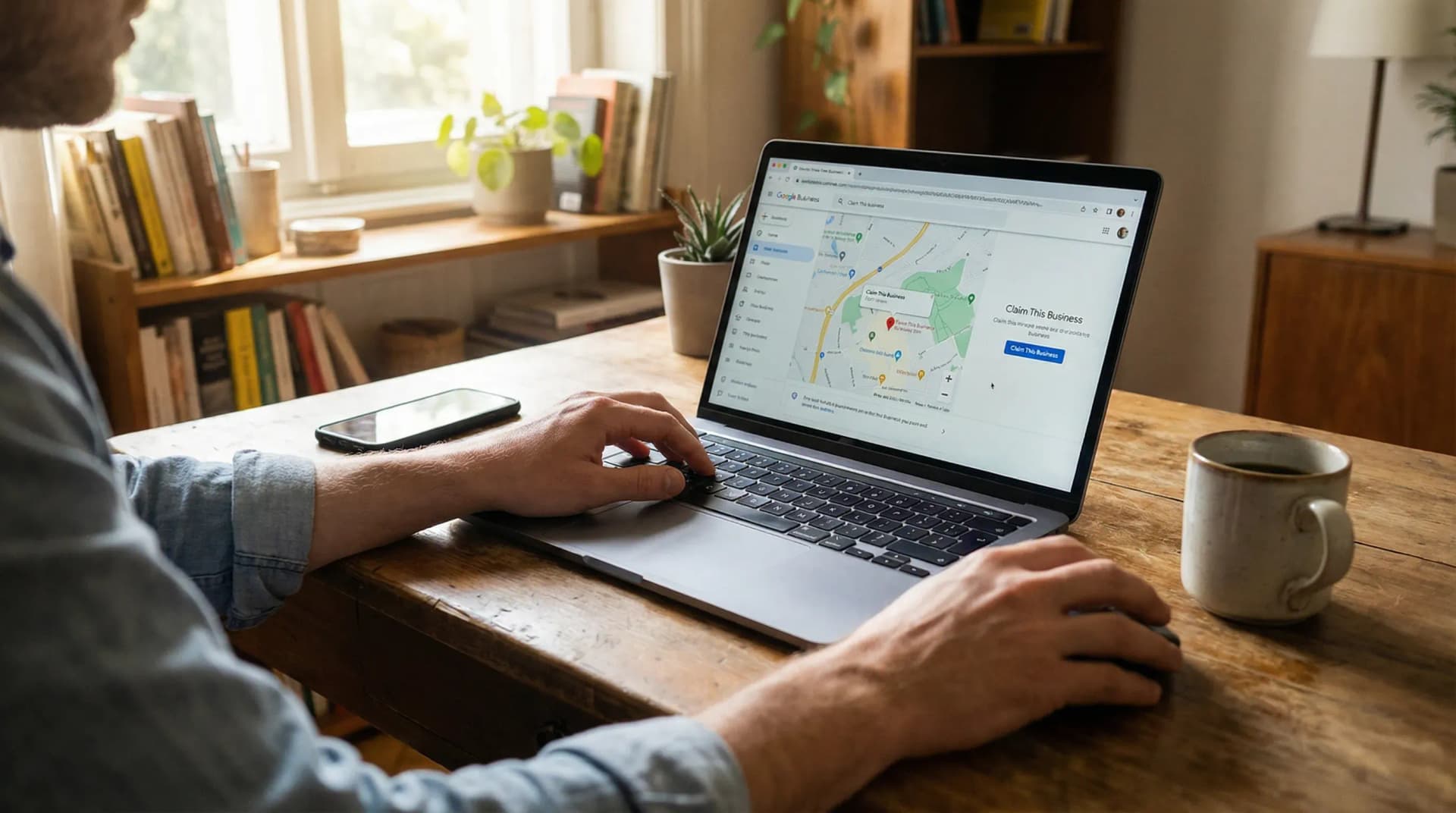
Start by searching your business name on Google and Google Maps. You may find that Google already created a listing from public data or user edits. If that happens, claim it rather than creating a duplicate. Duplicate listings cause confusion, split reviews, and can hurt visibility. I have seen businesses spend months asking why rankings dropped when the answer was two profiles fighting each other.
If no listing exists, create one through your Google account. Use your legal or customer-facing business name. Do not stuff keywords into the name. Adding phrases like "best plumber near me" or city names you do not use in the real world can trigger edits, suspensions, or trust issues. Keep the name clean and accurate. Google wants your profile to match your storefront signage, website, and customer-facing materials.
Choose the business type that fits how you operate. If customers visit your location, set it as a storefront. If you travel to customers, set it as a service-area business. If you do both, be careful and represent that honestly. Then enter your main category, add your address if applicable, define service areas if you travel, and include your phone number and website. This part feels basic, but sloppy setup creates problems later.
Your website link matters here. Send users to the most relevant page you have, not a random placeholder. If your site is still thin, start with your homepage and clean it up later. If you want a sense of what a review-driven local presence can look like, visit review management features for local businesses and compare that level of clarity to what your own profile and site communicate.
How to verify my business on google without mistakes
Verification proves that you own or manage the business. Google may offer options like video verification, phone, email, live video, or postcard, depending on the business type and risk signals. Follow the exact method shown in your dashboard. Do not try to game the process. That impulse gets people into trouble fast.
Before you start verification, make sure your business name, address, phone number, website, and category are accurate. If you have a storefront, your signage should match the business name on the profile. If Google asks for video verification, you may need to show your location, equipment, branded vehicle, tools of the trade, or proof that you can access the premises. Think like an auditor. What would convince a stranger that this business operates where it says it does?
Service-area businesses need extra care. If customers do not visit your location, do not show an address that acts like a storefront. That mismatch can trigger problems. If your profile gets stuck or your connection tools break later, pages like Google Business Profile not connecting help can save you time, but your first defense is clean setup from the start.
I know verification can feel weirdly tense for something so ordinary. You are trying to run a business, not pass a background check. Still, this step matters because Google wants to reduce spam. Take your time, follow the prompts, and keep your business details consistent across your web presence.
How to fill out your profile for better local visibility

Once your listing is live, fill out every field you can support with facts. Start with your primary category. This is one of the strongest signals in your profile. Pick the category that matches your main service, not a broad label that feels safer. A family law attorney should not hide behind "law firm" if a tighter category fits. A roofing contractor should say that, not settle for "contractor."
Add secondary categories where they fit your actual services. Then complete your hours, holiday hours, service areas, appointment link, and business description. Your description should explain what you do, who you serve, and where you work. Write like a person, not a brochure. Skip keyword stuffing. If your service list is long, add products or services inside the profile so people and Google can see the range of work you handle.
Photos matter more than owners think. Upload exterior photos, interior photos, team photos, equipment, before-and-after work, and service shots in context. Stock photos feel hollow. Your own images build trust because they prove that the business exists and that people will get what they expect. Keep adding fresh photos over time. A stale profile feels neglected even when the business itself is solid.
Use attributes where they apply. If you offer online estimates, wheelchair access, on-site services, or appointment-only scheduling, add that detail. These small pieces help people qualify you before they call. That means fewer wasted leads and better-fit customers.
Profile field | What to do |
|---|---|
Primary category | Choose the closest match to your main service |
Business description | Explain your services, area served, and what sets your work apart |
Photos | Use real images of your team, location, jobs, and vehicles |
Hours | Keep regular and holiday hours accurate |
Services | List your core offers in plain language customers use |
Google my business SEO tactics that move the needle
Google my business seo is not about tricks. It is about sending clear signals. Relevance starts with categories, services, and business description. Distance depends on where the searcher is and where you are located or serve. Prominence comes from reviews, citations, links, brand mentions, and overall trust. You cannot force all three, but you can improve your side of the equation.
Keep your business name, address, and phone number consistent across your site and major directories. If your profile says Suite 200 and your site says Ste. 200, that is not the end of the world, but a pattern of inconsistency chips away at trust. Make your contact page easy to find. Embed your location details clearly. If you serve several cities, create useful location or service-area pages on your site instead of thin pages stuffed with place names.
Reviews feed local visibility in two ways. They influence customer behavior, and they give Google fresh trust signals. A steady flow of honest reviews beats random bursts. I would take twenty detailed, believable reviews over a suspicious flood any day. If you want a practical system, read how to get more Google reviews and build a process your team can repeat without sounding needy or awkward.
Posts, Q&A, and regular profile updates can help keep your listing active. I would not pretend they are magic, but they give you more surface area to answer questions and show proof of work. Add updates when you have something useful to say, such as a service highlight, seasonal reminder, or project photo. Keep it grounded. Fluffy posts do not persuade anyone.
How to manage google business reviews the smart way

Reviews shape both ranking and conversion. People do not read them like robots. They scan for patterns. Do reviewers mention punctuality, pricing clarity, friendliness, cleanup, communication, and whether the result matched the promise? That is what future customers care about. You need a process that asks for feedback soon after the job, makes leaving a review easy, and routes unhappy customers into a private feedback path before frustration spills into public view.
This is where a lot of businesses fumble. They ask once in a vague text, then stop. Or they ask everybody at random and wonder why results feel uneven. Build a repeatable review request flow through text, email, QR codes, or follow-up pages. A tool like the Google review link generator helps you remove friction so customers do not have to hunt for your profile.
Respond to reviews, including the rough ones. Thank happy customers with a short, personal response. For negative feedback, stay calm, acknowledge the issue, and move the conversation offline when needed. Public arguments make you look defensive. Silence can make you look absent. If writing responses drains your energy, use a structure and keep it human. You can get ideas from this guide on how to respond to Google reviews without sounding canned.
I have mixed feelings about review culture. It can feel unfair that your staff can do ten jobs right and one person with a rough day gets the microphone. Still, this is the arena local businesses operate in. You do not win by resenting it. You win by building a steady system, fixing service issues early, and making it easy for satisfied customers to speak up.
Common Google Business Profile mistakes to avoid
The most common mistake is inconsistency. Owners change phone numbers, move offices, tweak names, or add tracking numbers without updating the profile and website together. Then leads get lost and trust erodes. Another mistake is category drift. Businesses pick a broad category, forget about it, and wonder why the listing attracts weak leads. Tight categories matter.
Keyword stuffing is another trap. Cramming city names and service terms into your business name, description, or posts can make the profile look spammy. Google is not blind to that behavior. Neither are customers. If your listing reads like a bargain-bin ad, people feel it. The same goes for low-quality photos, unanswered reviews, and outdated hours. These issues look small on paper and expensive in practice.
Do not ignore duplicate listings. Do not buy reviews. Do not ask staff to flood your profile with suspicious praise. Shortcuts in reputation management age badly. If you are tempted, read why buying fake Google reviews backfires. It is one of those ideas that feels clever for five minutes and painful for a long time.
What to do after setup so your listing keeps working
Setup is the start, not the finish line. Check your profile every week. Confirm hours, scan for suggested edits, upload fresh photos, answer reviews, and update services when your business changes. Watch which actions people take from the listing. Are they calling, asking for directions, or visiting your website? Those signals tell you what part of the profile needs work.
Create a simple monthly routine. Ask for reviews after completed jobs. Respond to public feedback. Add photos from recent work. Review categories and services once in a while. Make sure your website still supports what the profile promises. If your business handles reputation at scale, or if you manage listings for clients, a platform like RatingFlow can help you collect reviews in a more organized way and keep negative feedback from blindsiding your team.
If your Google Business Profile has been sitting half-finished for months, fix it this week. Not someday. This week. Local search rewards businesses that look active, trustworthy, and easy to contact. Your profile can do that heavy lifting, but only if you treat it like a living sales asset instead of a box you checked once and forgot.