
If you are here, you probably want one of two things. You want to delete a review you wrote because you regret it, or you want to remove a review someone left on your business because it feels unfair, hostile, or made up. I get it. Google reviews can feel permanent in a way that normal customer conversations never do. One weird interaction becomes a public artifact that sits there, quietly costing you calls.
Still, Google does not let businesses edit reviews, and it does not remove reviews just because they hurt. That part is frustrating. It also makes sense, because the second businesses can delete anything they dislike, reviews stop meaning anything. So you have to play by Google’s rules, and your job is to either delete your own review properly or prove the review violates policy.
This guide shows you exactly how to delete a Google review you posted, how to request Google review removal for reviews on your business profile, and what to do when you cannot get a review removed. I will be blunt where it helps. Some “remove bad Google reviews” advice online is fantasy.
When you can and cannot delete a Google review
Let’s clear up the question people ask in a dozen ways. “Can I delete a Google review?” Yes, if you wrote it. “Can businesses delete Google reviews?” No. A business owner cannot delete reviews left by customers, even if the review is unfair, wrong, or nasty. The only path is Google review removal through reporting, legal requests, or rare account actions.
Here is the line I keep coming back to. Google cares about policy violations, not your feelings. That can feel cold when you are staring at a one-star review that reads like a personal attack. But it is also the framework you have to work inside.
Quick reality check for review removal
If the review is a real customer’s opinion, Google will almost always keep it. Even if the customer is dramatic. Even if the customer misunderstood. Even if you have receipts. If it is an opinion and it relates to a real experience, it usually stays.
If the review is spam, harassment, a conflict of interest, off-topic, or clearly not based on a real experience, you have a shot. That is where “how to get a Google review removed” becomes practical instead of wishful.
Common reasons Google removes reviews
Google tends to act when a review includes hate speech, threats, doxxing, sexual content, or repeated harassment. It may also remove reviews that look like bots, paid review dumps, competitors posting, employees reviewing their own workplace, or reviews for the wrong business location. If you want to remove Google reviews successfully, you need to frame the problem as a policy issue, not a customer service issue.
How to delete a Google review you wrote
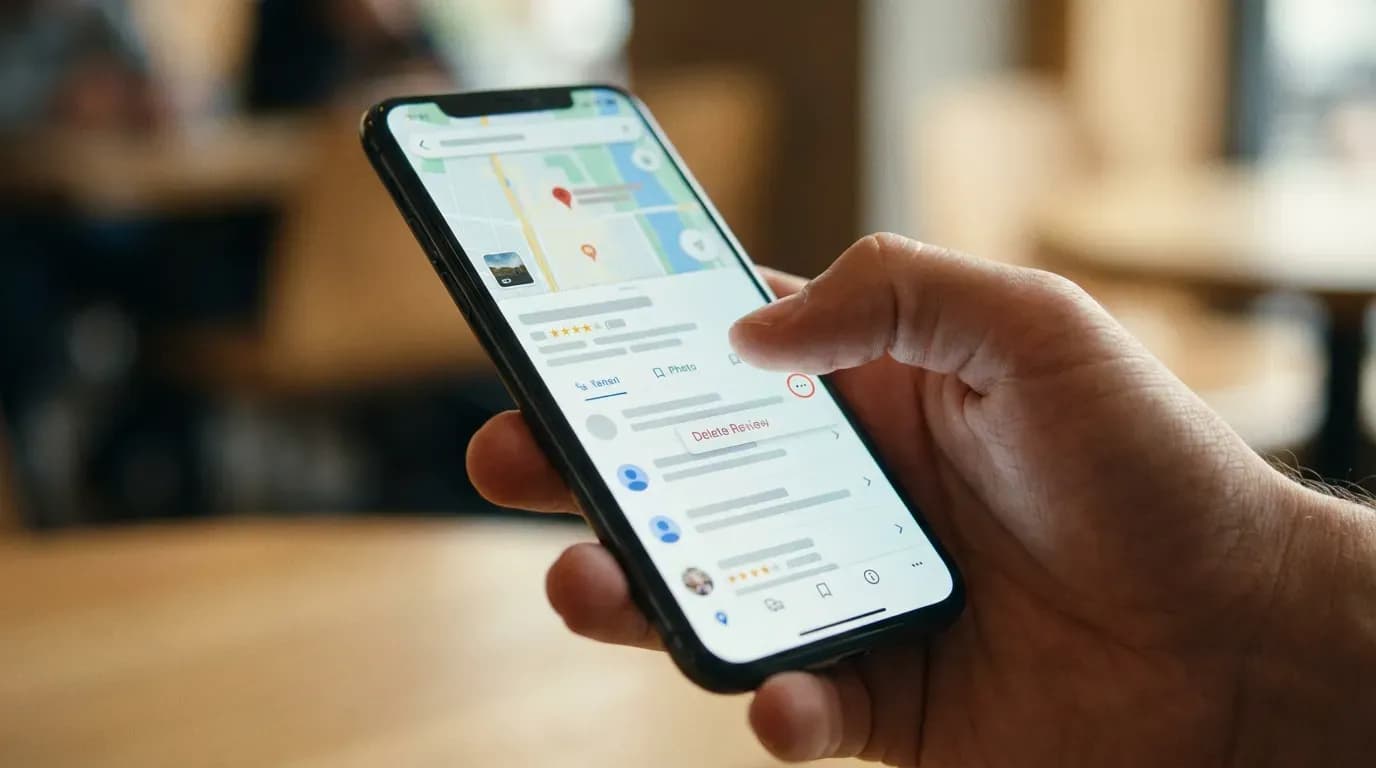
If you posted the review, you control it. You can delete it or edit it. This is the cleanest scenario, and it is the one where “how to delete review on Google” has a straight answer.
Delete your review on Google Search
Open Google Search while signed into the Google account you used to post the review. Search for the business name, then scroll until you see your contribution or the reviews section. Look for a link like “Your reviews” or “Your contributions.” Once you open your review, choose the menu option to delete it. Google may ask you to confirm. Confirm, and the review disappears.
If you do not see your review, you might be signed into the wrong account. That happens more than people admit. Many people have a personal Gmail, a work Gmail, and a “backup” Gmail. Google does not merge those for you.
Delete your review in Google Maps
Open Google Maps on your phone or desktop while signed into the account that wrote the review. Tap your profile icon, then go to “Your contributions,” then “Reviews.” Find the review. Tap the three-dot menu, then select delete. Confirm the delete. That is it.
Google sometimes caches content, so you might still see the old review for a short time. Give it a little breathing room, then check again in an incognito window.
Edit instead of delete when you changed your mind
Deleting is final in the sense that it removes your text and star rating from the business’s public profile. Editing keeps your review but updates it. If the business fixed the issue, editing can be a fair move that still tells an honest story. I like edits when the original review was emotional and the follow-up shows the resolution. It reads human. It also helps the business without pretending nothing happened.
If you want to leave a fresh review after a good experience, you may find this guide useful: how to leave a Google review for a business.
How to remove Google reviews from your business profile
If you own the business, you cannot press a “delete” button. You can ask Google to remove a review that breaks policy. That is the core of Google review removal for businesses.
I wish I could tell you Google is fast and consistent here. It is not. Some reports get resolved quickly. Others feel like they drop into a black hole. Your job is to make the report as clean as possible, and to keep your expectations realistic.
Request removal by reporting the review in Google Maps
Open Google Maps and search for your business. Go to the reviews section and find the review you want removed. Click or tap the three-dot menu next to the review, then choose the option to report it. Google will ask you to pick a reason. Choose the closest policy category. Do not get cute. Do not pick “spam” if it is really harassment, and do not pick “off-topic” if the person is clearly talking about your service.
After you submit, Google may send a confirmation. Keep a record of what you reported, including screenshots. If you later escalate, you will want a simple paper trail.
Request removal in Google Business Profile
Sign into the Google account that manages your Google Business Profile. Find the reviews section, then locate the review. Use the report function to flag it. Depending on your interface, you may see “Report review” or an option under a menu next to the review.
If your profile is not connected and you cannot access reviews, you have to fix that before anything else. This help page can save you time: Google Business Profile not connecting troubleshooting.
What to write when you report a review
Google does not want a novel. It wants a clean claim tied to a policy reason. Keep it short. State what policy category applies, then give one or two facts. For example, “This review contains a threat of violence,” or “Reviewer names a different business and location, so it is posted to the wrong profile.”
If you write a long emotional explanation, it tends to blur the issue. You may feel better, but you will not get closer to removing the review.
How to get a Google review removed for policy violations

This is the part that makes people grind their teeth. You can do everything right and still get a “no” from Google. That does not mean you should not try. It means you should treat the process like a claim, not a debate.
Policy categories that matter in practice
Some categories get more traction because they are easier to verify. Threats, hate speech, and personal information are clearer than “this is unfair.” Impersonation, conflict of interest, and wrong location can work if you can show obvious mismatch. Spam can work if the account looks like a review farm, like dozens of reviews across unrelated industries in a short time window.
When you are thinking “how to remove bad reviews from Google My Business,” translate that into “what policy rule does this violate.” If you cannot name one, you are probably stuck with response and damage control.
Build your evidence before you escalate
Take screenshots of the review, the reviewer profile if visible, and any patterns that support your case. If the review mentions a service you do not offer, capture your service list. If it mentions a staff member who does not exist, capture your team page or internal record. If it describes an event that could not have happened, note the date and your hours.
I have mixed feelings about how much work this takes. On one hand, businesses should not have to build a mini legal file to remove a garbage review. On the other hand, if Google removed reviews based on “trust me,” the platform would collapse.
Escalate through support channels when reporting fails
If the report does nothing, look for support options inside your Google Business Profile. Some accounts get chat or email support. If you can reach a human, keep the message short and policy-focused. Attach screenshots. Ask for review removal due to a specific violation.
Do not spam support with five tickets for the same review. That tends to slow you down. Keep one thread, keep it tidy, and keep your tone calm. Anger is understandable. It also does not help.
How to handle reviews you cannot remove

Many people search “remove bad Google reviews” because they want the pain to stop. I get it. But if the review does not violate policy, you need a different plan. This is where reputation management becomes a daily habit, not a one-time cleanup.
Write a response that sounds like a person
A stiff corporate reply makes things worse. People can smell it. You want a response that does three things. It acknowledges the complaint, sets one boundary if the review crosses a line, and offers a next step that moves the conversation offline.
Keep it short. Do not argue point-by-point in public. If the reviewer is unreasonable, your response is not for them. It is for the next customer reading the thread at midnight before they call you.
If you want a practical framework and examples, RatingFlow has a helpful guide on how to respond to negative feedback.
Collect more positive reviews the right way
If you have ten reviews and one is ugly, your rating swings hard. If you have two hundred reviews, one ugly review looks like what it is. One person having a rough day, or one mismatch in expectations. The math matters, and so does the story your profile tells.
You do not need to beg. You need a system. Ask after a successful job. Make it easy with a link or QR code. Follow up once. Then stop. Anything beyond that starts to feel pushy, and it can backfire.
If you want ideas that do not feel awkward, read how to get more Google reviews. It focuses on process, not gimmicks.
Use private feedback to catch problems before they hit Google
This is where I get opinionated. Waiting for public reviews to learn what customers hate is a rough way to run a business. You want a private channel that captures complaints early, while you can still fix the issue and keep the relationship intact.
RatingFlow is built around that idea. It helps you automate review requests and route unhappy customers into private feedback, so you can resolve issues without turning your Google profile into your support inbox. If you want to see how that flow works, start with how RatingFlow works for review collection and feedback routing.
Can Google reviews be removed for legal reasons
Sometimes the review crosses into defamation, doxxing, or threats. Sometimes it posts private medical details, phone numbers, or a staff member’s home address. That is where legal removal requests can come into play.
I am not a lawyer, and I do not want you to treat this as legal advice. What I can tell you is that Google has processes for content that violates laws or includes personal information. If the review includes sensitive personal data, report it under the most accurate category and capture screenshots before anything changes.
If you have a legitimate legal claim, talk to a qualified attorney. I know that sounds heavy for “a Google review,” but that is the point. A review can cross lines that are not just annoying, but dangerous.
Common questions about deleting and removing Google reviews
Can I delete a Google review after I post it
Yes. If you wrote it, you can delete it from your Google account through Google Maps or your contributions area in Google Search. You can also edit it if you want to update your experience instead of wiping it out.
Can businesses delete Google reviews
No. A business cannot delete customer reviews. A business can report reviews for policy violations and request Google review removal through Google’s reporting and support channels.
How long does Google review removal take
It varies. Sometimes you see action quickly. Sometimes nothing happens for a while. If the review is clearly a policy violation, keep your report tight and follow up through support options inside your Google Business Profile when available.
How to remove Google reviews that are not showing in your tools
Sometimes the review exists on Google but does not show in your dashboard or third-party tool because of syncing issues. Fix the connection first, then manage the review. If you use RatingFlow and your data looks off, this can help: reviews not appearing in the dashboard.
Should you contact the reviewer and ask them to delete it
Sometimes. If the person seems reasonable and the issue is fixable, a polite message can work. Do not bribe. Do not threaten. Do not pressure. If they feel pushed, they may update the review with an even harsher version of the story. That happens more than you would think.
A practical playbook for removing bad Google reviews
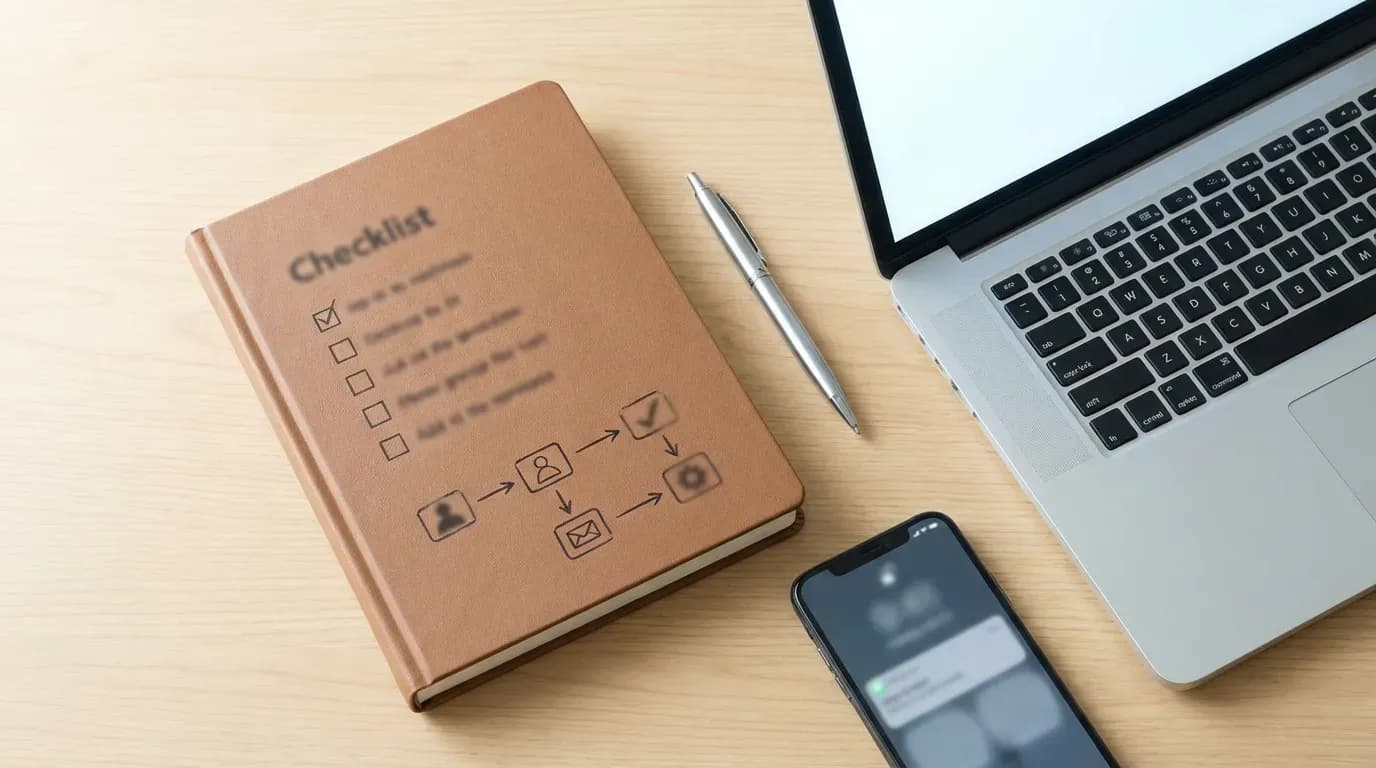
If you want a clean plan you can follow without spiraling, use this. Step one, decide if you wrote the review. If yes, delete it in Google Maps. Step two, if it is on your business, identify the policy violation and report it. Step three, document evidence. Step four, escalate through Google Business Profile support if the report stalls. Step five, if removal fails, respond calmly and build review volume with a system so one review does not control your story.
I keep coming back to one uncomfortable thought. You cannot control what people say about your business. You can control how quickly you notice patterns, how you respond in public, and whether you build a steady stream of honest positive feedback. That is the part that feels empowering, even when the review itself makes your stomach drop.